200-Character Titles
Max limitMaximizes Amazon's 200-character title limit without exceeding it, ensuring every character works toward higher rankings and better visibility.
SuperListing generates SEO-optimized product titles up to 200 characters. The AI front-loads primary keywords, includes brand name, product type, key features, size/quantity, and color — all within Amazon's character limits and style guidelines.
Trusted by serious Amazon sellers
From single-product DTC brands to multi-catalog agencies, SuperListing replaces the messy spreadsheet of titles, bullets and backend keywords with one editorial workspace.
Listings optimized with SuperListing
Amazon marketplaces supported


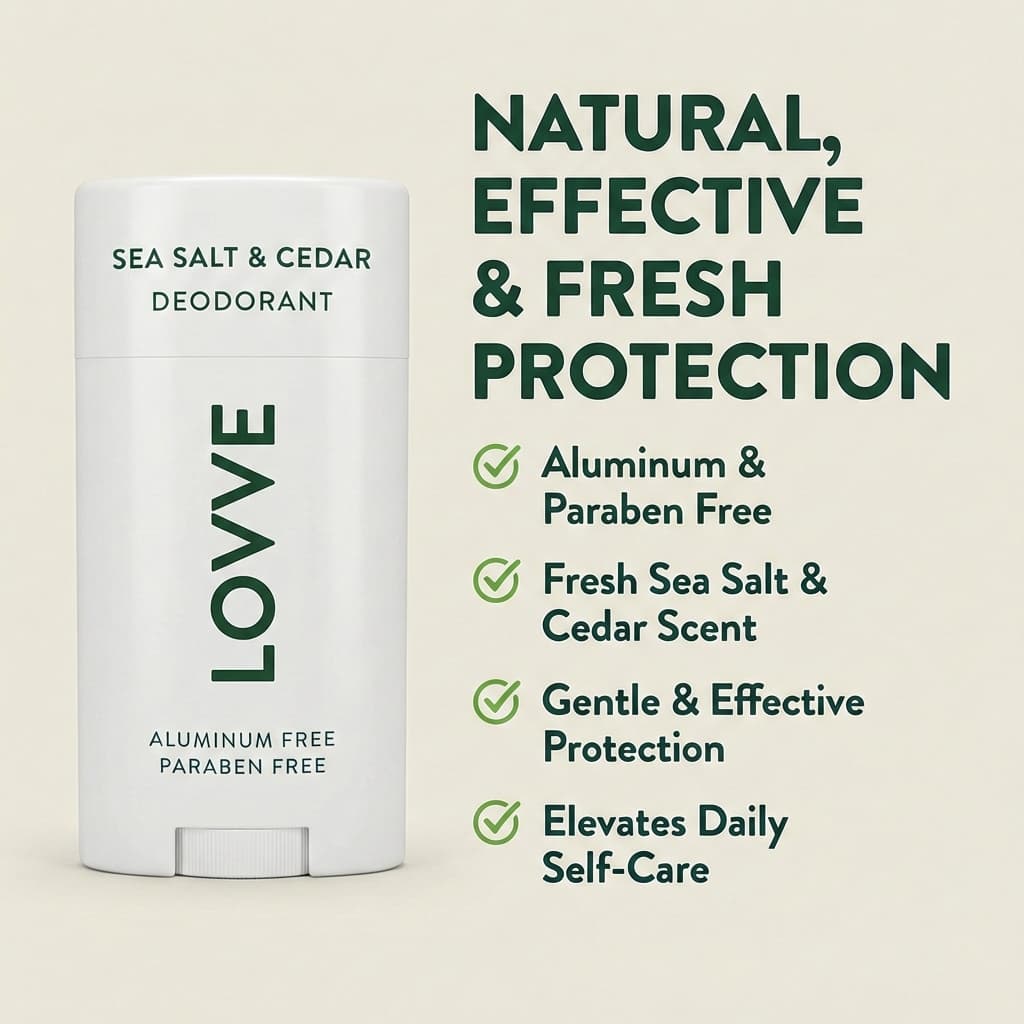

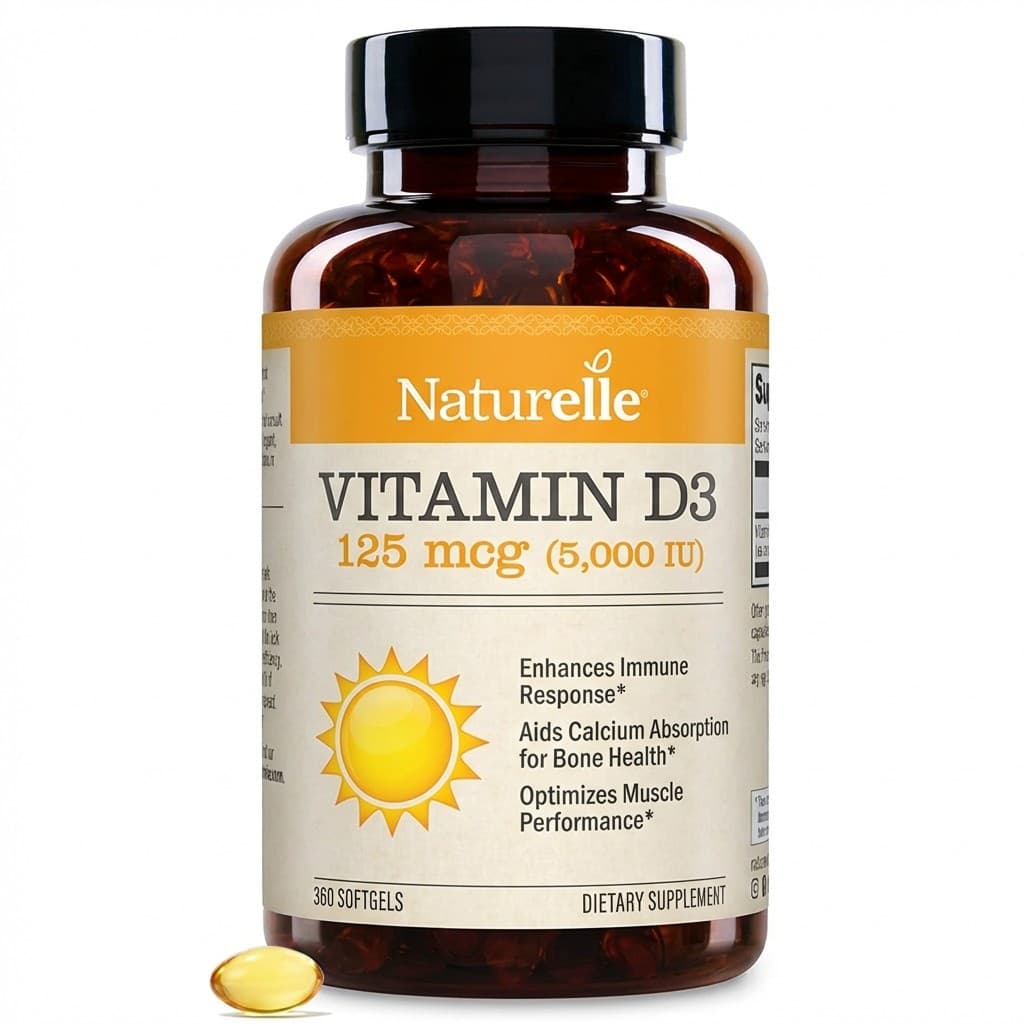
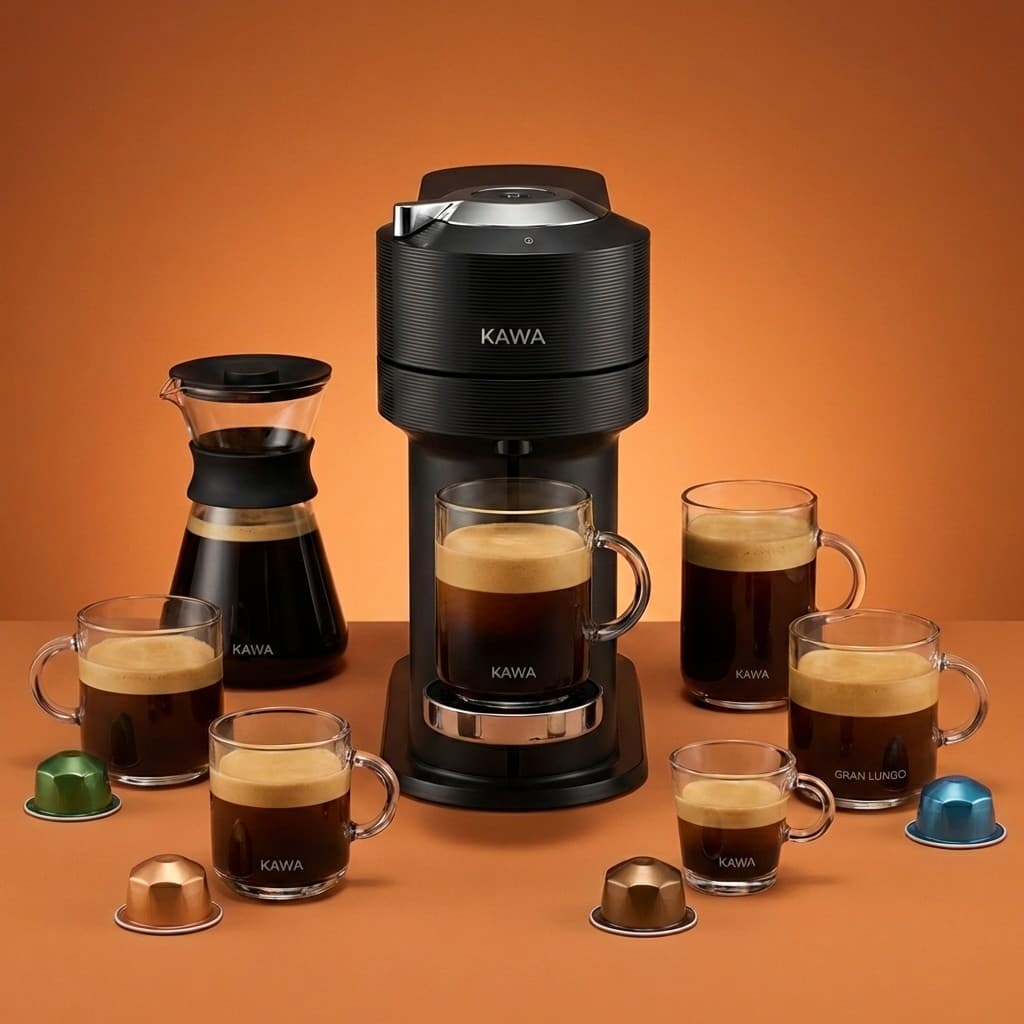
Your Amazon product titleis the single most influential element for search rankings. Amazon's A10 algorithm gives the highest keyword weight to title content, making it the primary factor in determining which searches your product appears for.
Amazon allows titles up to 200 characters in most categories. An optimized title should include your brand name, primary keywords, product type, key features, size or quantity, and color or variant — all structured so the most important information appears first. On mobile, only the first 70-80 characters are visible, making keyword placement critical.
SuperListing's AI generates titles that follow Amazon's style guidelines while maximizing keyword coverage and mobile readability. The result is a title that ranks for more search terms and converts more shoppers — generated in seconds instead of hours of manual optimization.
Title Anatomy
Every title is engineered for search ranking, mobile display, and Amazon compliance.
Maximizes Amazon's 200-character title limit without exceeding it, ensuring every character works toward higher rankings and better visibility.
Most important keywords placed first in the title for both algorithm weight and mobile visibility where titles are truncated.
First 70-80 characters optimized for mobile truncation — where most Amazon shoppers browse and make purchase decisions.
Follows Amazon's title formatting guidelines — proper capitalization, no promotional language, no special characters, correct structure.
Step by Step
From product details to a ranking-ready title in six steps.
Share your product details with SuperListing by pasting an Amazon URL, uploading a product image, or entering a description manually. Include your brand name, product type, and key features for the best results.
SuperListing's AI analyzes your product category, identifies high-volume keywords with buyer intent, and examines how top-ranking competitors structure their titles to find the optimal keyword strategy.
The AI generates a title up to 200 characters that front-loads primary keywords, includes your brand name, product type, key features, size/quantity, and color — all formatted according to Amazon's title guidelines.
Review the generated title to ensure product details are accurate, the brand name is correctly placed, and the title reads naturally. SuperListing highlights the character count and flags any potential compliance issues.
Copy the optimized title into your product listing in Amazon Seller Central. Save the changes and allow 24-48 hours for Amazon's algorithm to re-index your listing with the new title.
Track how your product ranks for target keywords after the title update. SuperListing's history feature lets you compare title versions. Re-optimize as needed based on ranking data and seasonal trends.
First Impression
Let AI craft a title that ranks higher and converts better. 200 characters of pure optimization.
Start Your Free TrialFAQ
Common questions about Amazon product title optimization.
Amazon allows product titles up to 200 characters in most categories, though some categories have stricter limits (e.g., 80 characters for certain clothing categories). SuperListing generates titles that maximize the available character count for your specific category while staying within Amazon's guidelines. Every character counts — longer, keyword-rich titles generally rank for more search terms.
An optimized Amazon title should include: your brand name, the primary keyword, product type, key differentiating features (material, size, quantity, color), and the target use case. The formula is typically: Brand + Primary Keyword + Product Type + Key Feature + Size/Quantity + Color/Variant. SuperListing's AI structures your title following this proven format automatically.
On mobile devices, Amazon typically displays only the first 70-80 characters of your product title. This means your most important keywords and brand name must appear at the beginning. SuperListing front-loads critical information so your title communicates effectively even when truncated on smartphones, where the majority of Amazon shopping now occurs.
Amazon's A10 algorithm gives more weight to keywords that appear earlier in the title. Front-loading your primary keywords improves both search ranking and mobile visibility (since mobile truncates after 70-80 characters). SuperListing positions your highest-value keywords first while maintaining natural readability and Amazon compliance.
Avoid all-caps text (only capitalize first letters), promotional phrases like "Best Seller" or "Free Shipping," special characters and emojis, subjective claims like "Amazing Quality," and exceeding your category's character limit. Amazon may suppress listings that violate title guidelines. SuperListing ensures every generated title follows Amazon's style rules.
Update your title when you notice ranking drops, after keyword research reveals new high-volume terms, during seasonal shifts, or when Amazon changes category guidelines. Avoid changing titles too frequently — give each version at least 2-4 weeks to accumulate performance data. SuperListing saves your title history so you can compare performance across versions.
Get Started
Join sellers using SuperListing to create titles that rank higher and convert more shoppers.