AI Lifestyle Images
2-6 per batchGenerate multiple lifestyle shots from one product photo. Each image places your product in a unique, realistic scene tailored to your category.
Upload your product photo and let SuperListing's AI Creative Studio generate 2-6 lifestyle images per batch. Export in formats optimized for Amazon, Shopify, Instagram, Facebook, Pinterest, and TikTok — no studio or photography equipment required.
Trusted by serious Amazon sellers
From single-product DTC brands to multi-catalog agencies, SuperListing replaces the messy spreadsheet of titles, bullets and backend keywords with one editorial workspace.
Listings optimized with SuperListing
Amazon marketplaces supported
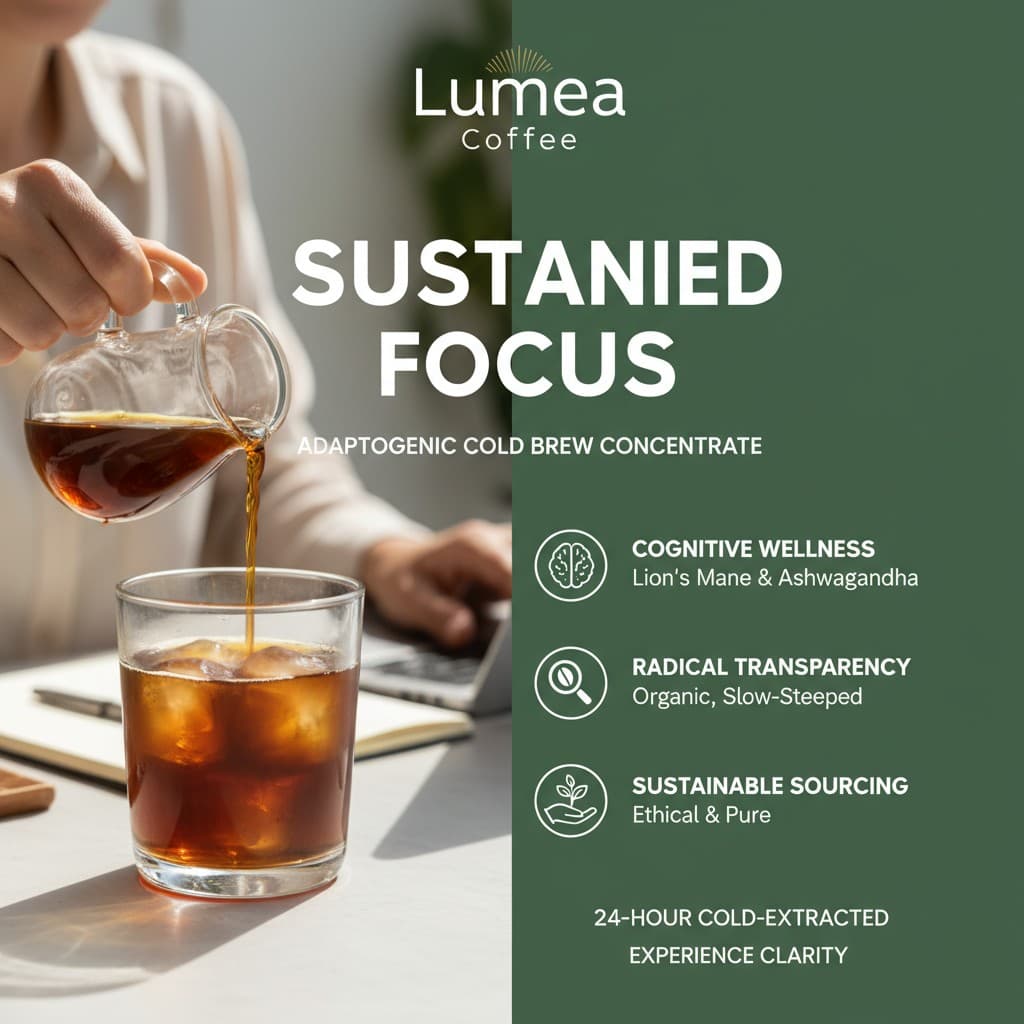

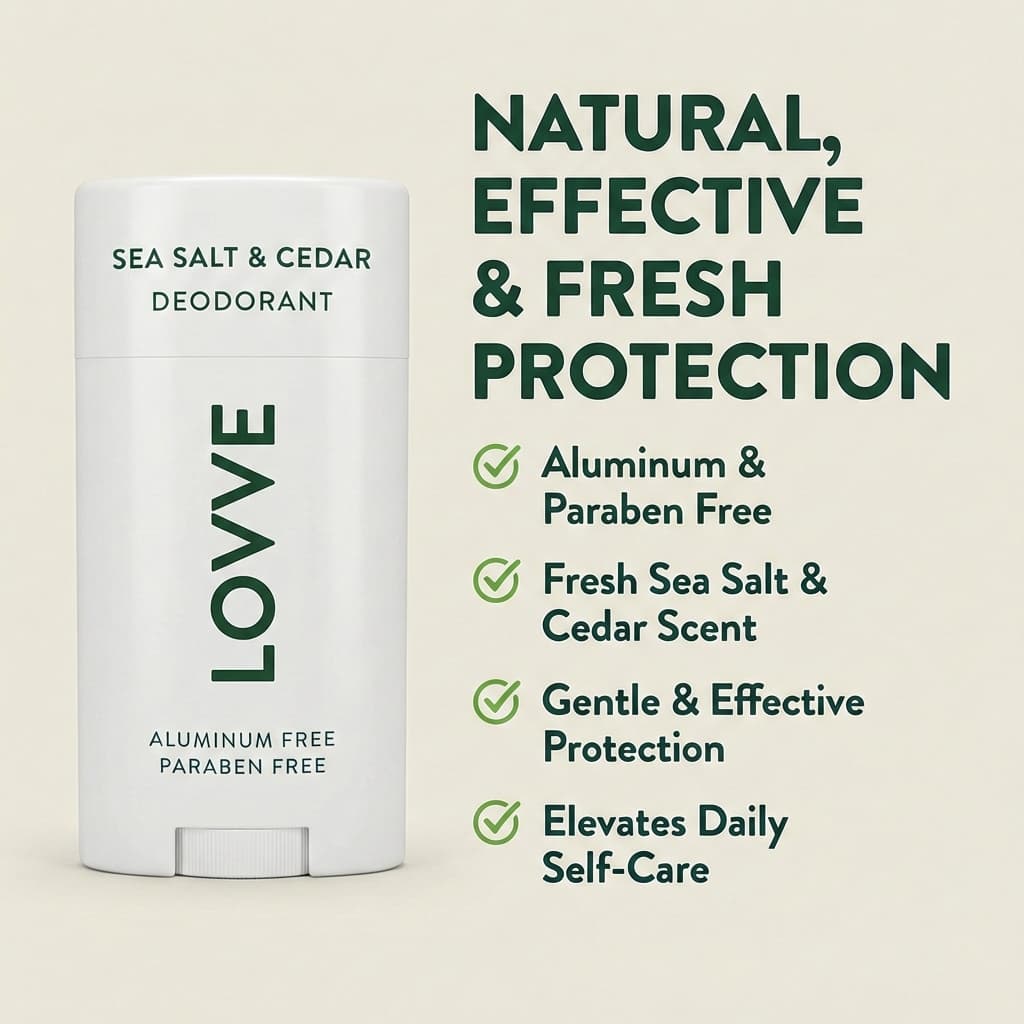
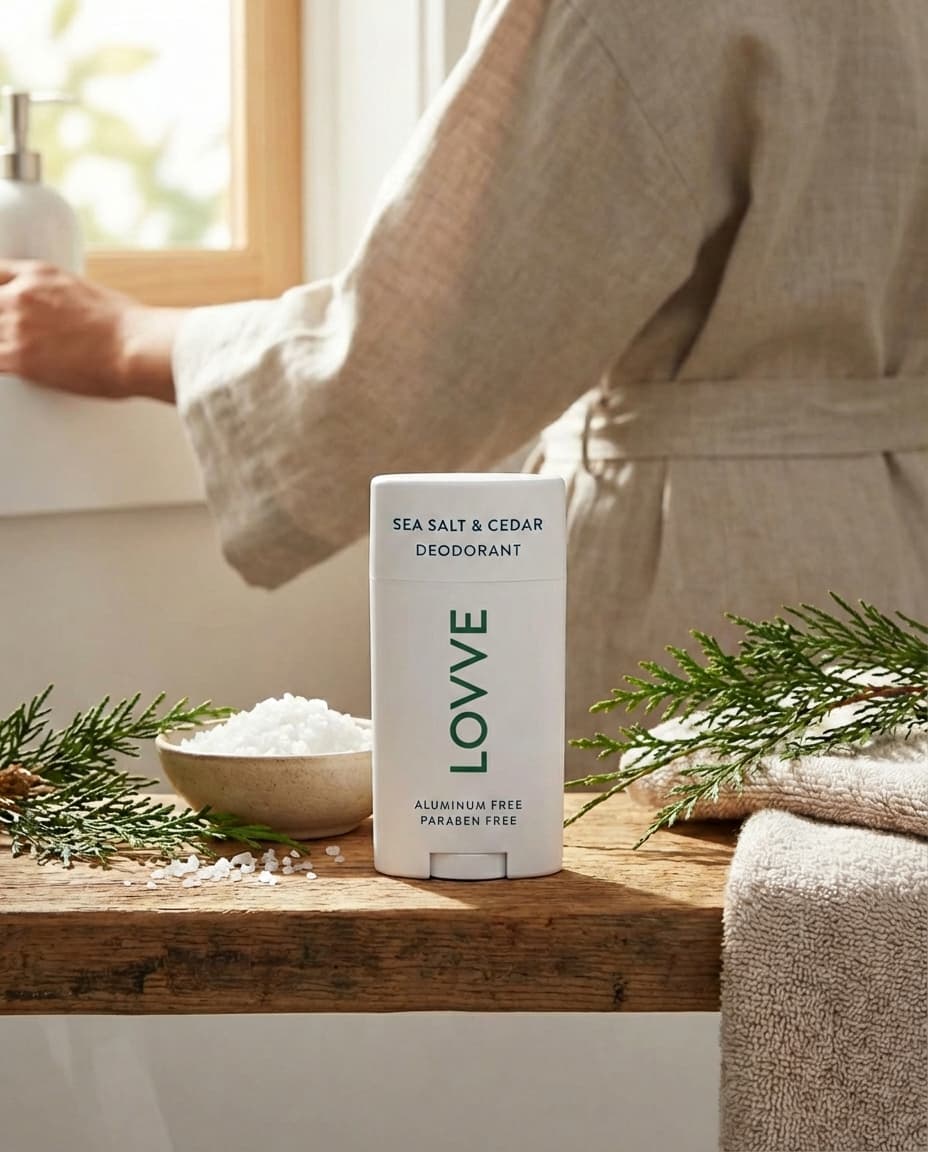
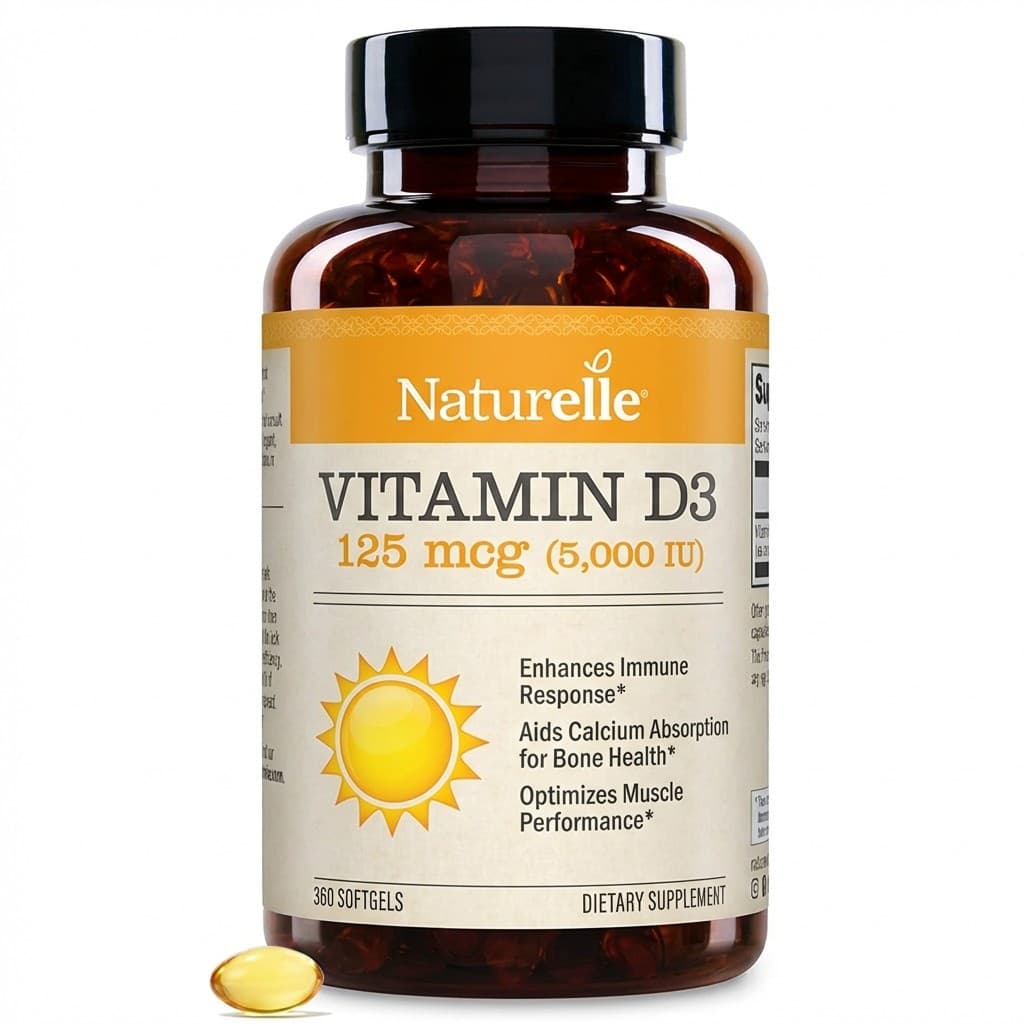
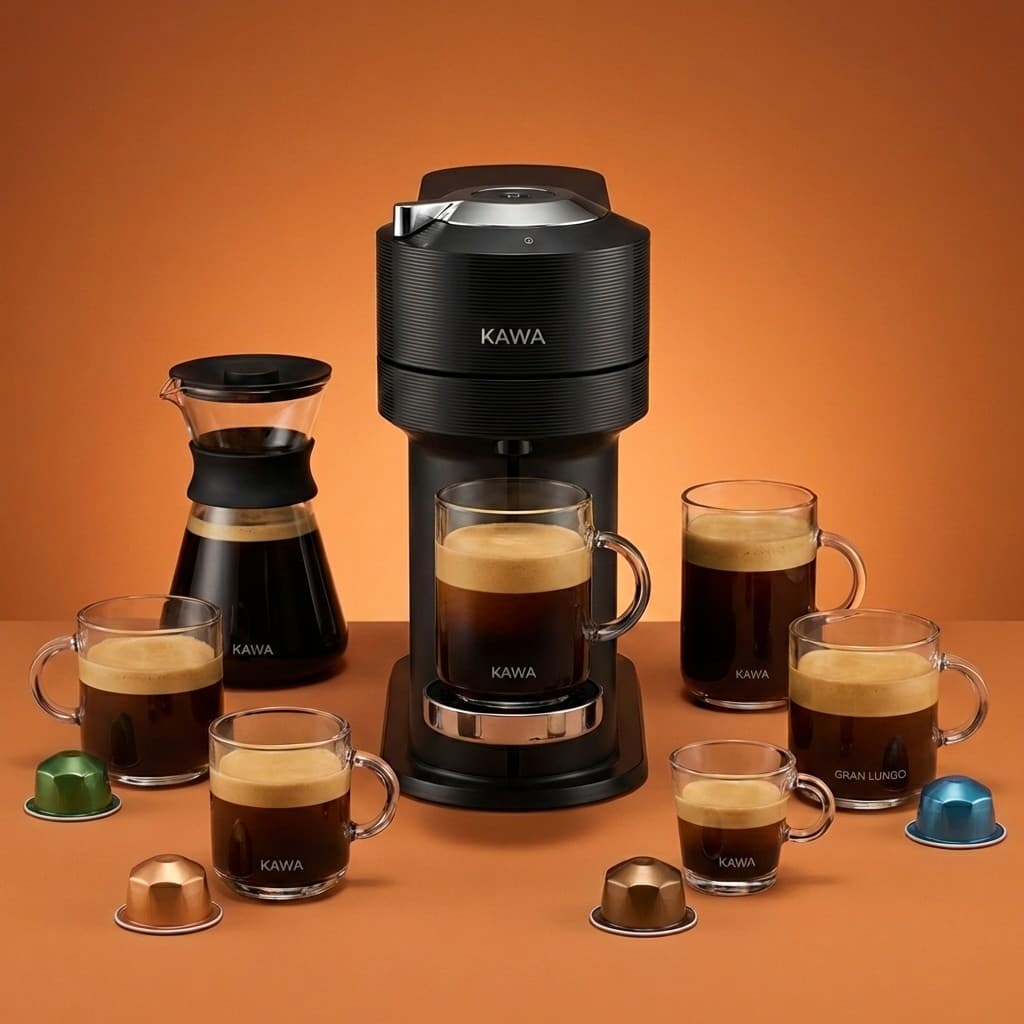
Amazon Product Photography AI uses artificial intelligence to generate lifestyle product images from a single product photo. Instead of hiring a photographer, renting a studio, and arranging props, you upload your product image and the AI creates realistic lifestyle scenes showing your product in context.
SuperListing's AI Creative Studio generates 2-6 lifestyle images per batch at a cost of 2 credits per image. Starter includes 12 image generations per month, and Growth includes 60 visuals per month. Each image can be exported in formats optimized for Amazon, Shopify, Instagram, Facebook, Pinterest, and TikTok.
Amazon recommends filling all 9 image slots on your product listing. Lifestyle images — photos showing your product in real-world usage — are among the most effective at converting browsers into buyers. AI product photography makes it fast and affordable to create these images without a physical photography setup.
Image Anatomy
Everything you need to create professional product images with AI.
Generate multiple lifestyle shots from one product photo. Each image places your product in a unique, realistic scene tailored to your category.
Optimized formats for Amazon, Shopify, Instagram, Facebook, Pinterest, and TikTok. Each export matches the platform's image specifications.
Edit and refine generated images with inpainting tools. Fix specific areas, adjust elements, and fine-tune output to match your brand.
Professional-quality lifestyle images without a physical photography setup. No studio, no lighting equipment, no props needed.
Step by Step
From product photo to lifestyle images in six simple steps.
Start by uploading a clear, high-resolution photo of your product to SuperListing's AI Creative Studio. Use a clean background for best results. The AI will analyze your product's shape, color, and details.
Choose the lifestyle setting and visual style for your images. Options include indoor scenes, outdoor environments, flat lay compositions, and contextual usage scenarios that match your product category.
SuperListing's AI generates 2-6 lifestyle images per batch, placing your product into realistic scenes. Each image is unique and shows your product from different perspectives and contexts.
Review each generated image and use the built-in editing and inpainting tools to refine any details. Adjust specific areas of the image to match your brand standards and aesthetic.
Export your finalized images in formats optimized for your target platform: Amazon, Shopify, Instagram, Facebook, Pinterest, or TikTok. Each export follows the platform's image specifications.
Upload the exported images to your Amazon listing, Shopify store, or social media profiles. Fill all available image slots with a mix of lifestyle shots and product-focused images to maximize conversions.
No Studio Required
Generate lifestyle images from your product photo in seconds. 2 credits per image. No studio required.
Start Your Free TrialFAQ
Common questions about AI-generated product photography.
AI-generated lifestyle images provide a fast, affordable alternative to traditional studio photography. While professional studio shots remain ideal for primary product images on white backgrounds, AI lifestyle images excel at creating contextual, lifestyle-oriented shots that show your product in use. SuperListing generates 2-6 lifestyle images per batch from a single product photo, letting you quickly create the supplementary images that help customers visualize your product in real-world settings.
SuperListing's AI product photography costs 2 credits per image. The Starter plan includes 12 image generations per month, and Growth includes 60 visuals per month. By comparison, professional product photography typically costs $20-50+ per image for studio shoots, not including setup, props, and turnaround time. AI generation delivers results in seconds rather than days.
SuperListing exports AI-generated product images in formats optimized for Amazon (main image and lifestyle slots), Shopify (product gallery), Instagram (square and story formats), Facebook (ad and post formats), Pinterest (vertical pins), and TikTok (video thumbnail and ad formats). Each export is sized and formatted according to the platform's specifications.
Amazon allows up to 9 images per listing and recommends using all available slots. A strong listing typically includes 1 main image on a white background, 2-3 lifestyle images showing the product in use, 1-2 infographic images highlighting features, and additional images covering size, packaging, or variations. SuperListing's AI generates the lifestyle images that fill those critical slots.
For the best AI-generated lifestyle images, upload a clear, high-resolution photo of your product on a white or clean background. The product should be well-lit, centered, and show the full item without cropping. Remove any distracting background elements. The AI uses this source image to place your product into realistic lifestyle scenes and settings.
Yes. SuperListing's AI Creative Studio includes image editing and inpainting tools. After generating your lifestyle images, you can refine specific areas, adjust elements, or make targeted edits using inpainting. This lets you fine-tune the output to match your brand aesthetic before exporting for your listings.
Get Started
Create professional lifestyle images for your Amazon listings without a photography studio.