2,000-Character Descriptions
Full limitComprehensive product descriptions that use the full 2,000-character allowance with persuasive, keyword-integrated content.
SuperListing generates persuasive product descriptions up to 2,000 characters. The AI creates compelling narratives that tell your product story, include secondary keywords, address objections, and drive purchase decisions.
Trusted by serious Amazon sellers
From single-product DTC brands to multi-catalog agencies, SuperListing replaces the messy spreadsheet of titles, bullets and backend keywords with one editorial workspace.
Listings optimized with SuperListing
Amazon marketplaces supported


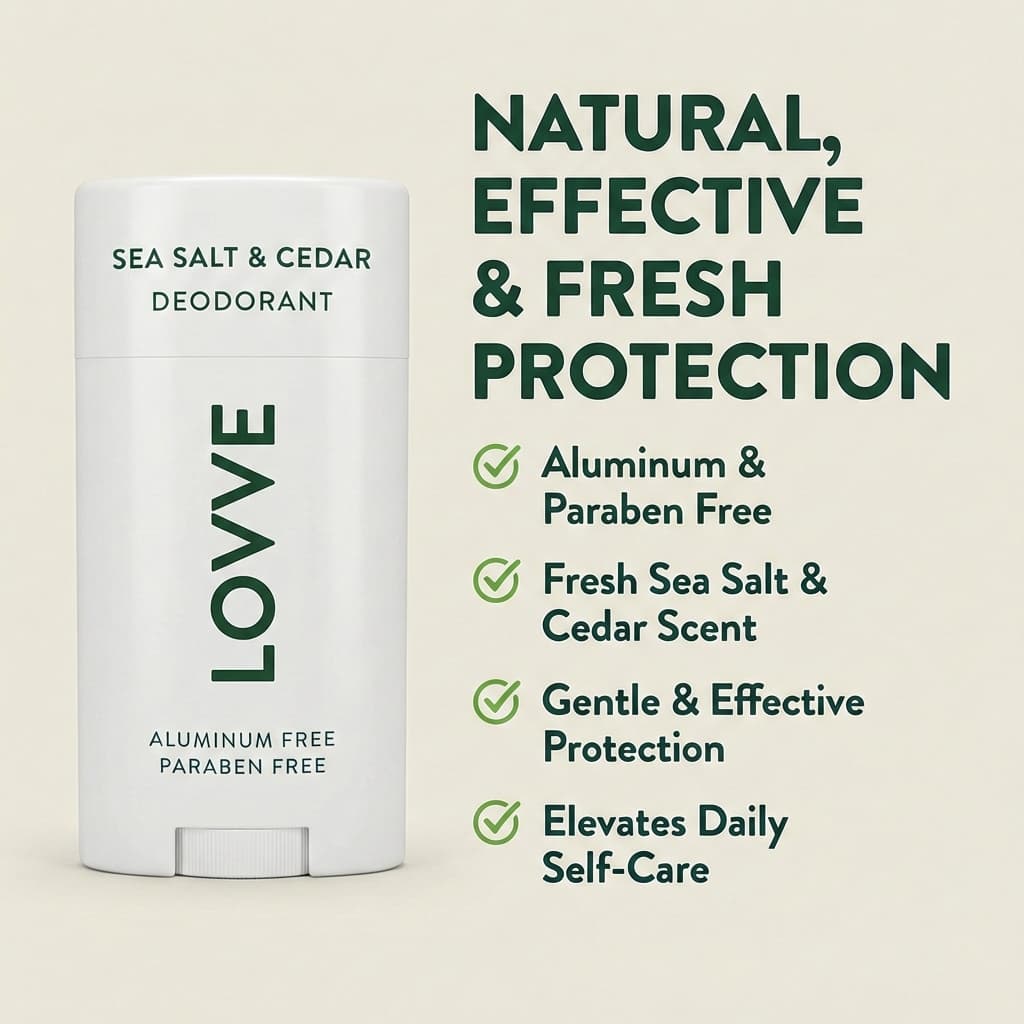

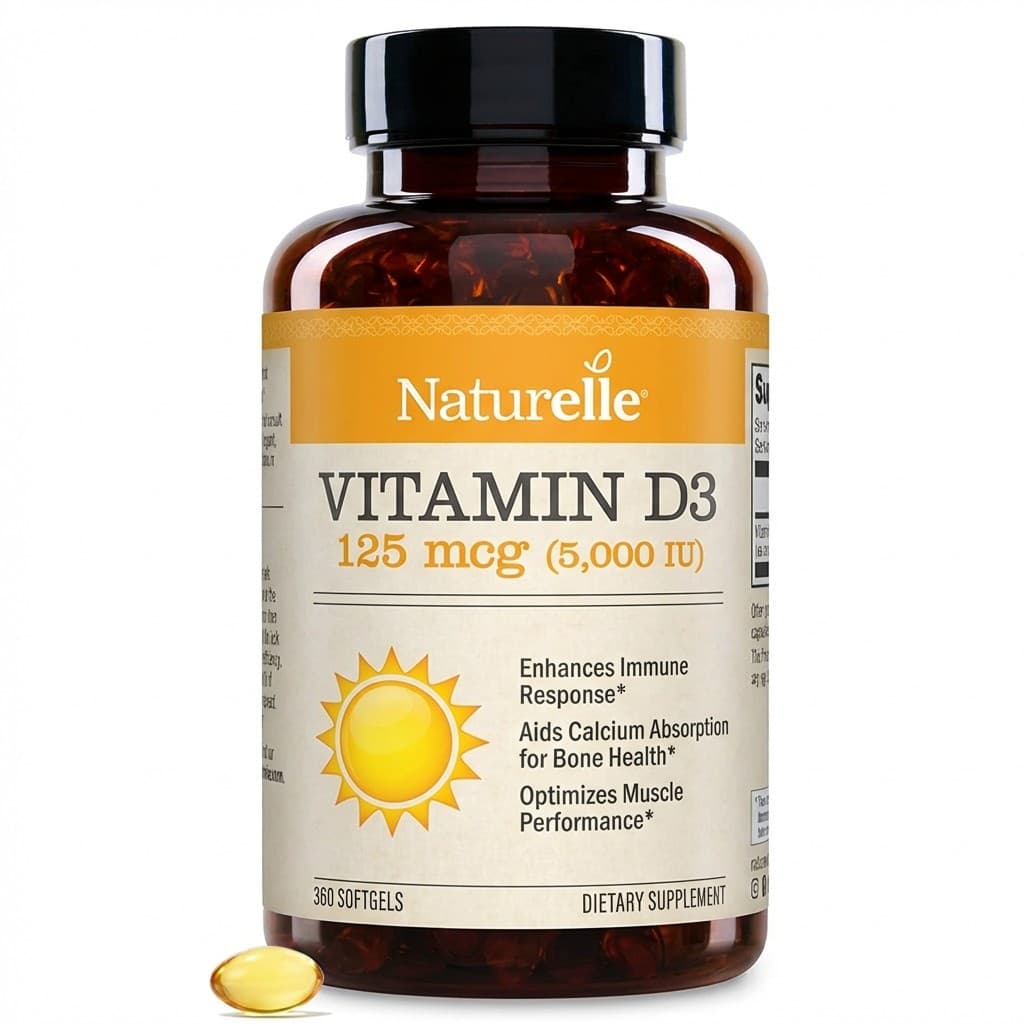
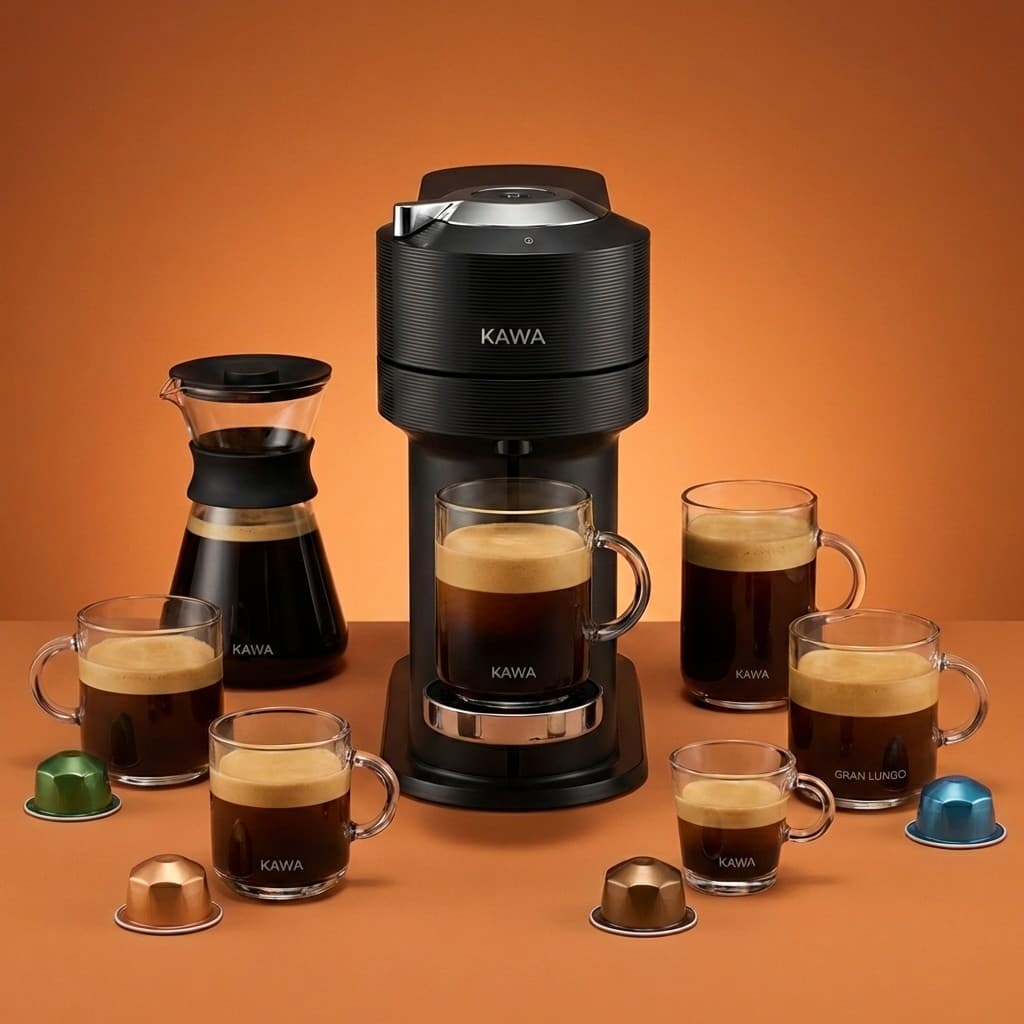
Your Amazon product description is where you close the sale. While the title gets clicks and bullet points highlight features, the description is your opportunity to tell the full product story in up to 2,000 characters. It's the section where hesitant shoppers go to have their final objections answered before clicking "Add to Cart."
Amazon's A10 algorithm indexes description content for search ranking, making it an important location for secondary and long-tail keywordsthat don't fit in your title or bullets. A description that naturally integrates these terms expands your keyword footprint while maintaining persuasive, readable content.
SuperListing's AI generates descriptions that follow a proven conversion structure: identify the customer's problem, present your product as the solution, detail features and benefits, and close with confidence-building elements. The result is a description that ranks and sells — created in seconds.
Description Anatomy
Every description is crafted to tell your product's story and drive conversions.
Comprehensive product descriptions that use the full 2,000-character allowance with persuasive, keyword-integrated content.
Addresses customer pain points, highlights key benefits, and creates urgency — the proven elements that turn browsers into buyers.
Secondary and long-tail keywords woven naturally throughout the description, capturing searches that your title and bullets don't cover.
Follows the Problem → Solution → Features → Social proof structure that consistently drives the highest conversion rates.
Step by Step
From product details to a conversion-focused description in six steps.
Share your product details with SuperListing by pasting an Amazon URL, uploading a product image, or entering a description manually. Include key features, target audience, and any unique selling propositions for the best results.
SuperListing's AI analyzes your product attributes, identifies your target customer's pain points and desires, and researches secondary keywords and long-tail terms that complement your title and bullet points.
The AI generates a persuasive product description up to 2,000 characters. It follows a proven structure: identify the problem, present your product as the solution, detail key features and benefits, and close with confidence-building elements.
Review the generated description for accuracy, tone, and brand voice. Ensure it addresses your customers' top concerns and highlights what makes your product different from competitors. Adjust any details as needed.
Copy the optimized description into the "Product Description" field in Amazon Seller Central. If your category supports basic HTML, the formatting will be preserved. Save and allow 24-48 hours for indexing.
Track your listing's conversion rate after updating the description. SuperListing saves your optimization history for A/B comparison. Re-optimize when customer feedback or seasonal trends suggest messaging changes.
Close the Sale
Let AI write 2,000 characters of persuasive, keyword-rich content that turns hesitant browsers into confident buyers.
Start Your Free TrialFAQ
Common questions about writing and optimizing Amazon product descriptions.
Amazon allows product descriptions up to 2,000 characters (including spaces). This applies to the standard product description field in Seller Central. Brand-registered sellers also have access to A+ Content (Enhanced Brand Content), which offers additional rich media formatting. SuperListing generates standard descriptions that maximize the 2,000-character limit with keyword-rich, conversion-focused content.
Amazon indexes product description content for search ranking, though it carries less keyword weight than titles and bullet points. However, descriptions are critical for conversion — they provide the space to address objections, tell your product story, and include secondary and long-tail keywords that don't fit in your title or bullets. A well-written description can significantly improve your conversion rate, which is itself a major ranking factor.
Amazon supports basic HTML formatting in product descriptions, including <b> for bold, <br> for line breaks, and <p> for paragraphs. However, advanced HTML (tables, images, custom fonts) is not supported in the standard description field. For rich media content, use A+ Content if you're brand-registered. SuperListing generates clean descriptions optimized for readability with or without HTML formatting.
The standard product description is a text-only field (2,000 characters) available to all sellers. A+ Content (formerly Enhanced Brand Content) is available only to brand-registered sellers and allows rich media modules with images, comparison charts, and custom layouts. A+ Content replaces the standard description on the listing page. SuperListing generates optimized standard descriptions; for A+ Content, use our Creative Studio features.
High-converting descriptions follow a Problem → Solution → Features → Social proof structure. Start by identifying the customer's pain point, present your product as the solution, detail the key features and specifications, and close with confidence-building elements like warranty information or quality assurances. Keep paragraphs short, use benefit-driven language, and integrate secondary keywords naturally throughout.
Update your product description when you receive recurring customer questions (address them proactively), when seasonal shifts make different features more relevant, when you add new product variations, or when competitor analysis reveals messaging gaps. SuperListing saves your description history so you can track which versions perform best and iterate based on real data.
Get Started
Join sellers using SuperListing to create product descriptions that tell compelling stories and close sales.