5 Bullet Points
255 chars eachAI generates all five bullet points at once, each optimized to maximize Amazon's 255-character limit with keyword-rich, persuasive content.
SuperListing generates 5 bullet points, each up to 255 characters, optimized for Amazon's A10 algorithm. The AI creates benefit-focused, keyword-rich bullet points that address customer pain points and highlight your unique selling propositions.
Trusted by serious Amazon sellers
From single-product DTC brands to multi-catalog agencies, SuperListing replaces the messy spreadsheet of titles, bullets and backend keywords with one editorial workspace.
Listings optimized with SuperListing
Amazon marketplaces supported




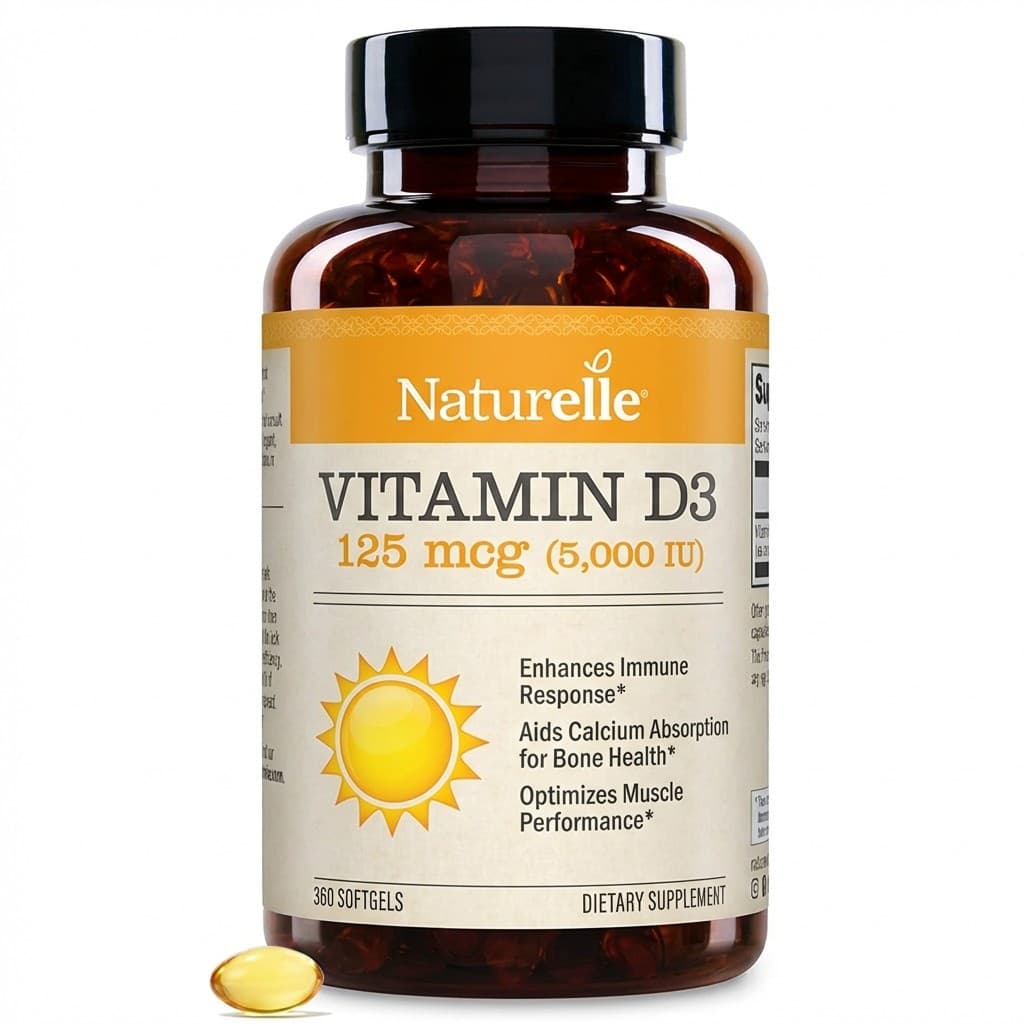
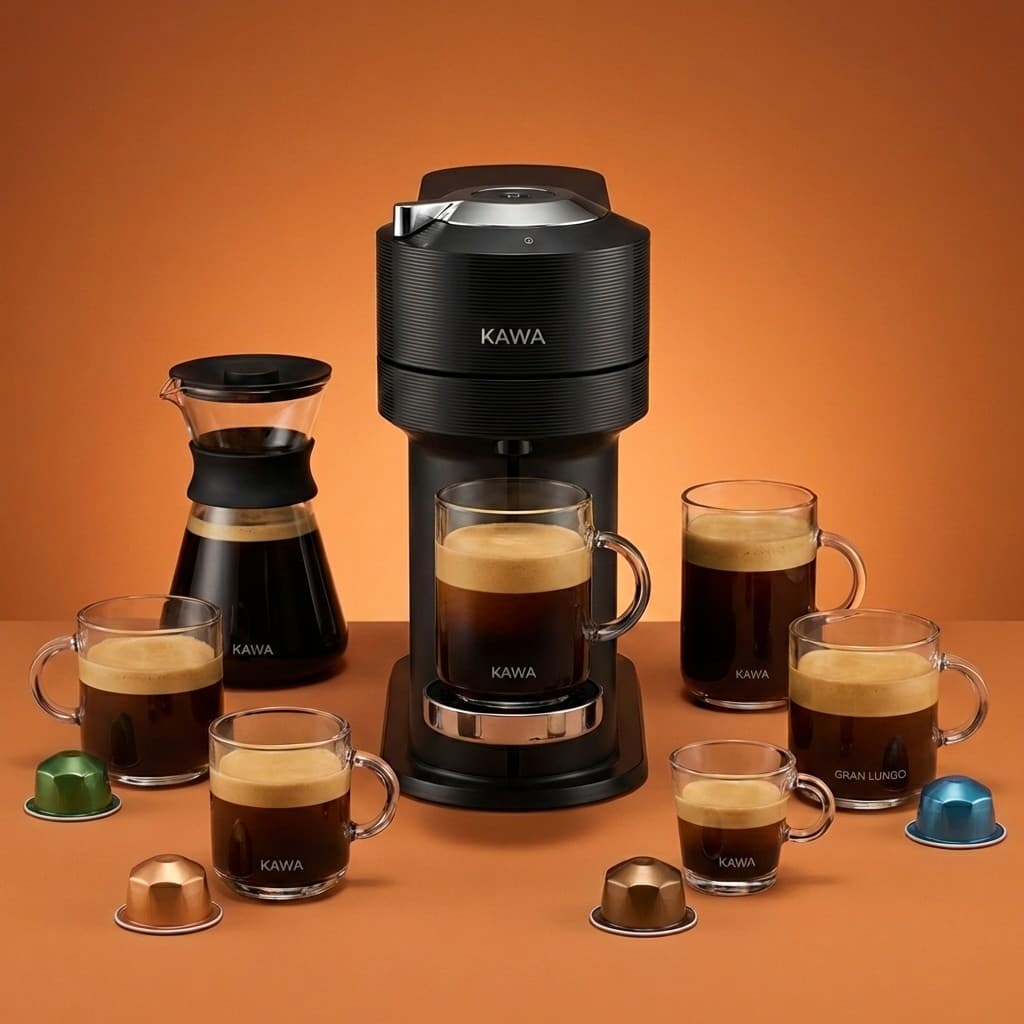
Amazon bullet points(Key Product Features) are one of the most impactful elements of your product listing. They appear prominently on both desktop and mobile, directly influencing whether a shopper clicks "Add to Cart" or moves on to a competitor.
Amazon allows 5 bullet points with up to 255 characters each. Each bullet should lead with a customer benefit, integrate relevant keywords naturally, and address a specific concern or selling point. The A10 algorithm indexes bullet point content for search ranking, making them critical for both visibility and conversions.
SuperListing's AI analyzes your product and generates all five bullet points at once — benefit-focused, keyword-rich, and compliant with Amazon's character limits. Instead of spending hours crafting bullets manually, get optimized content in seconds.
Bullet Anatomy
Every bullet point is crafted for maximum impact within Amazon's guidelines.
AI generates all five bullet points at once, each optimized to maximize Amazon's 255-character limit with keyword-rich, persuasive content.
Primary and secondary keywords placed naturally across all five bullets for maximum search visibility without keyword stuffing.
Each bullet leads with what the customer gains, then explains the feature that delivers the benefit — the format that converts best.
Every bullet stays within Amazon's 255-character limit per bullet point, ensuring your listing is compliant and never truncated.
Step by Step
From product details to optimized bullets in six simple steps.
Start by sharing your product details with SuperListing. Paste an Amazon URL, upload a product image, or enter a description manually. The AI needs to understand your product's features, benefits, and target audience to generate effective bullet points.
SuperListing's AI analyzes your product attributes, researches relevant keywords, and identifies key selling propositions. It examines what customers care about most and determines the optimal keyword placement strategy across all five bullets.
The AI generates all five bullet points at once, each up to 255 characters. Every bullet leads with a customer benefit, integrates primary and secondary keywords naturally, and addresses a different pain point or unique selling proposition.
Review the generated bullet points and make any adjustments. Ensure they accurately represent your product, resonate with your target audience, and cover the key features and benefits that drive purchase decisions.
Copy your optimized bullet points directly into the "Key Product Features" section of your Amazon Seller Central listing. Save your changes and allow 24-48 hours for Amazon to index the updated content.
Monitor your listing's click-through and conversion rates after updating. SuperListing saves your optimization history so you can compare versions. Re-optimize periodically as search trends and customer preferences evolve.
Convert Better
Let AI generate 5 optimized, keyword-rich bullet points in seconds. More conversions, less guesswork.
Start Your Free TrialFAQ
Common questions about writing and optimizing Amazon bullet points.
A good Amazon bullet point leads with a customer benefit, incorporates relevant keywords naturally, stays within the 255-character limit, and addresses a specific pain point or selling proposition. The best bullet points use a benefit-first format: start with what the customer gains, then explain the feature that delivers it. Avoid all-caps, excessive punctuation, and promotional language like "sale" or "free shipping."
Amazon allows up to 255 characters per bullet point, with 5 bullet points per listing in most categories. Some categories may have different limits, but 255 characters is the standard. SuperListing's AI generates bullet points that maximize this character allowance without exceeding it, ensuring you use every available character for keyword-rich, persuasive content.
Aim for 2-4 relevant keywords per bullet point, placed naturally within the text. Keyword stuffing hurts readability and can negatively impact conversion rates. Spread your primary and secondary keywords across all five bullets so each one targets different search terms. SuperListing's AI automatically distributes keywords across bullets for optimal coverage.
On mobile devices, Amazon often truncates bullet points or collapses them behind a "See more" tap. This means the first 1-2 bullet points and the opening words of each bullet are critical. Front-load each bullet with the most important information and benefits. SuperListing optimizes bullet point order and structure specifically for mobile readability.
No, Amazon does not support HTML formatting in bullet points. Stick to plain text. Avoid special characters, emojis, or formatting tricks — they may display incorrectly or violate Amazon's style guidelines. Use capitalized first words or natural punctuation to create visual hierarchy within the 255-character limit.
Review and update your bullet points at least quarterly, or whenever you notice changes in search trends, customer feedback, or competitor strategies. Seasonal updates can also boost relevance during peak shopping periods. SuperListing saves your optimization history so you can compare versions and track which bullet points drive the best conversion rates over time.
Get Started
Join sellers using SuperListing to create bullet points that convert browsers into buyers.