3 Wide Banners
970×600pxFull-width A+ Content modules designed to tell your brand story and showcase product features with impactful visual narratives.
Generate Amazon A+ Content with a 4-step AI workflow: brand website analysis, product image upload, benefits input, and automatic generation of 3 wide banners (970x600px) + 1 text-free lifestyle image (970x600px) — all brand-consistent and ready to upload.
Trusted by serious Amazon sellers
From single-product DTC brands to multi-catalog agencies, SuperListing replaces the messy spreadsheet of titles, bullets and backend keywords with one editorial workspace.
Listings optimized with SuperListing
Amazon marketplaces supported
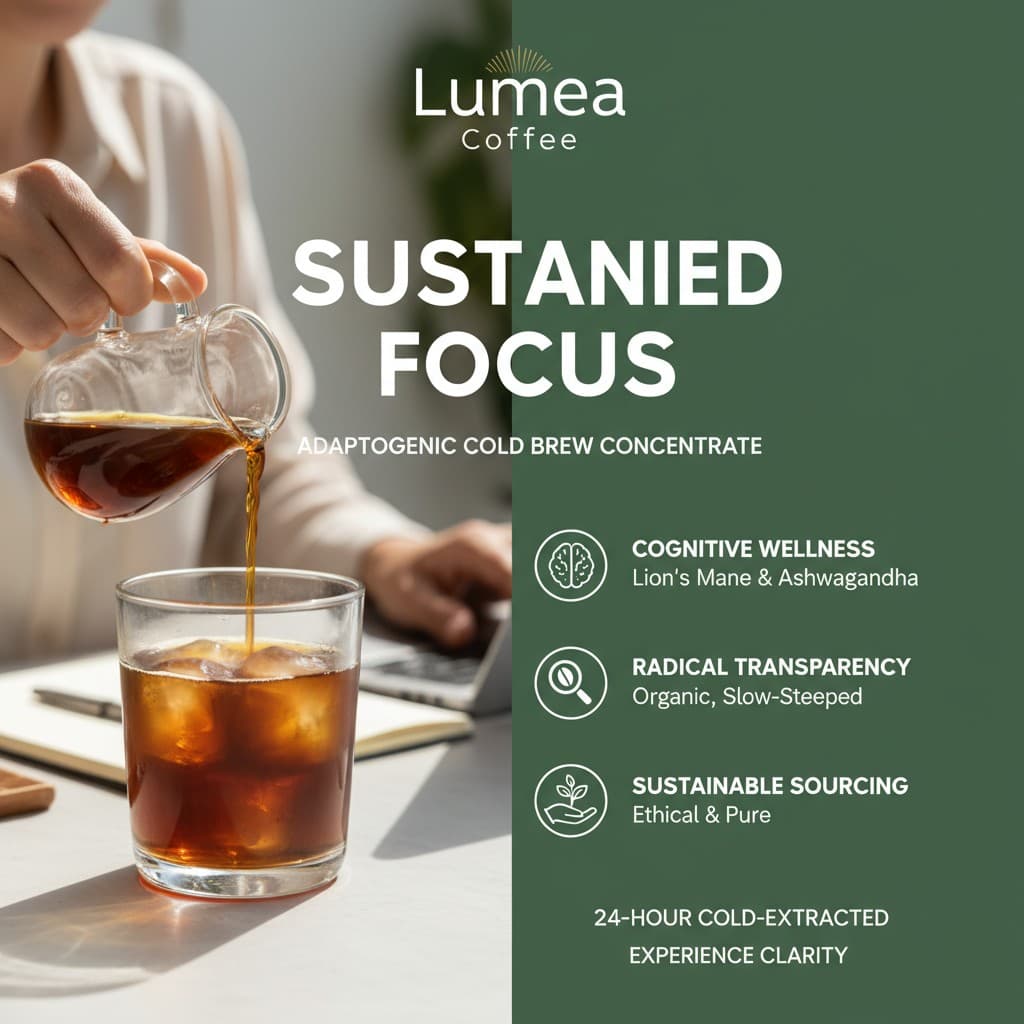

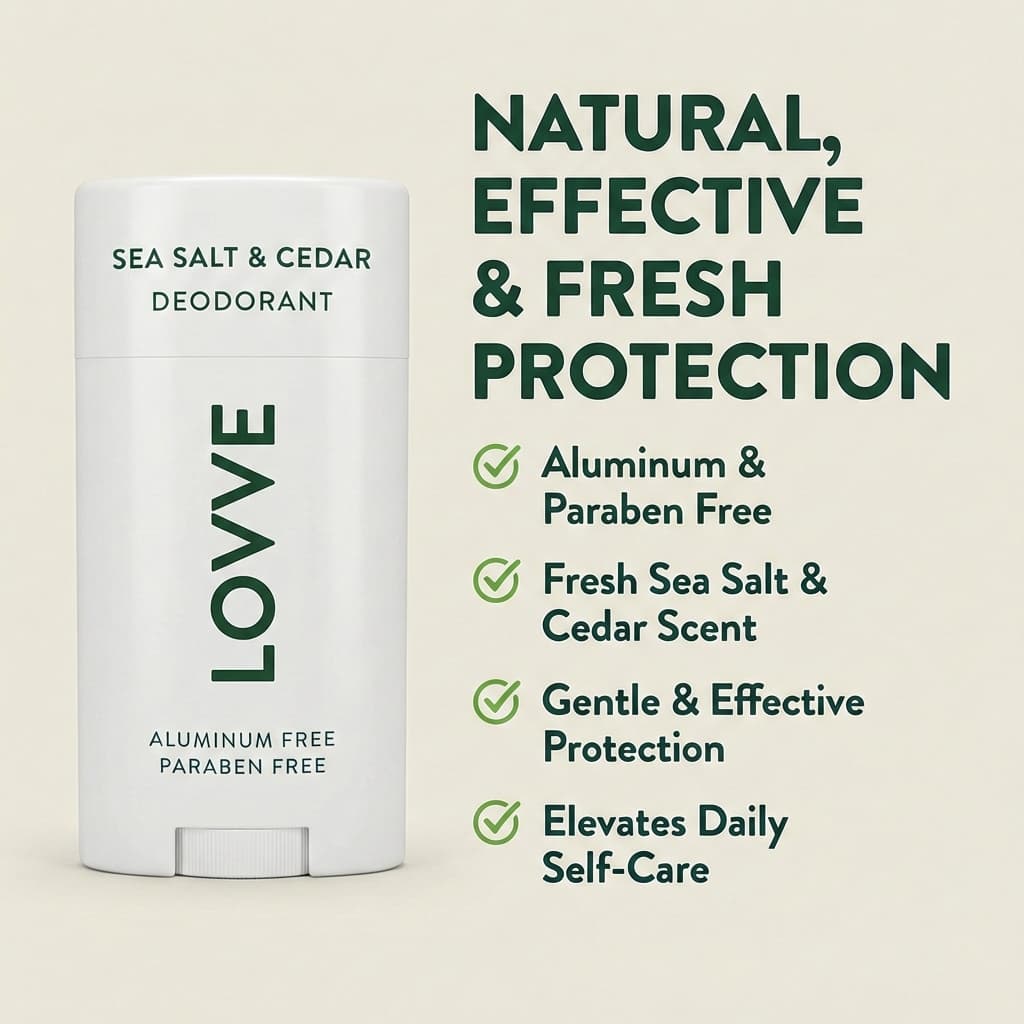

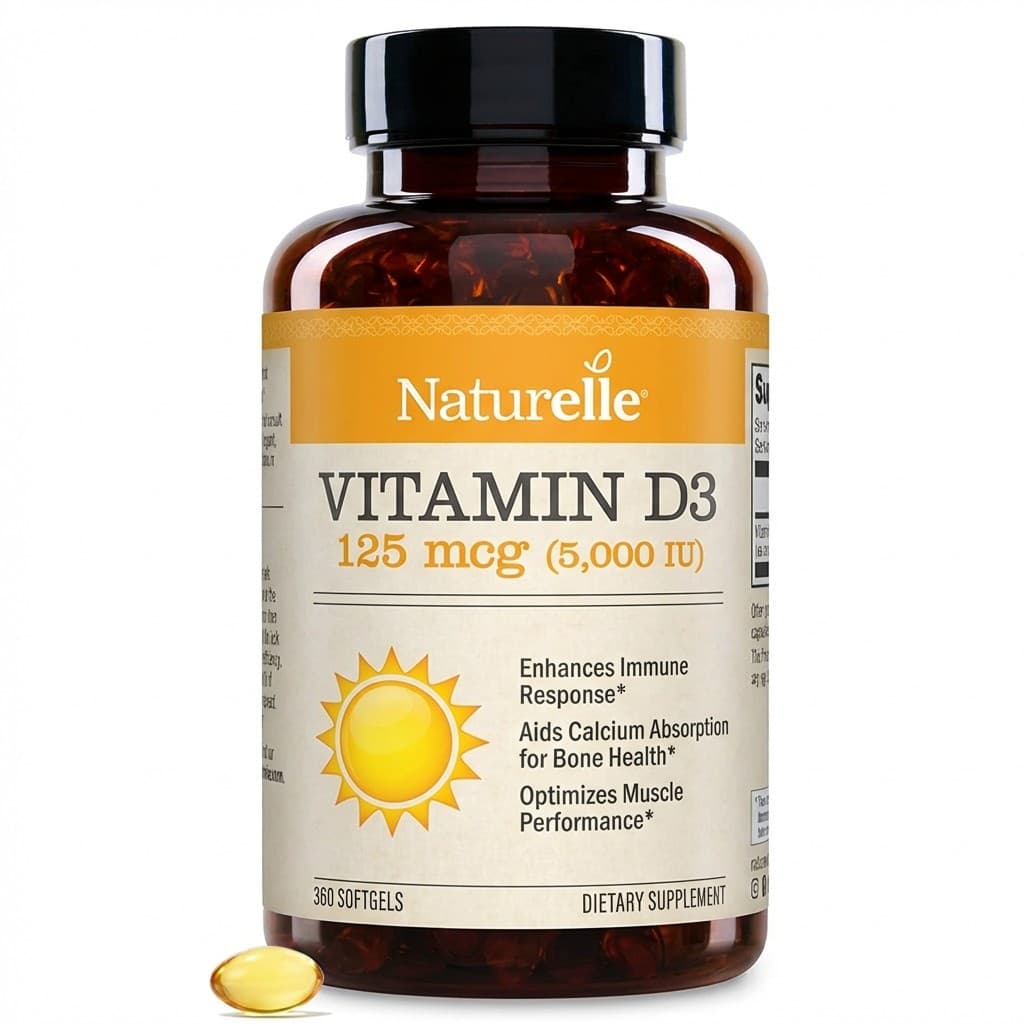
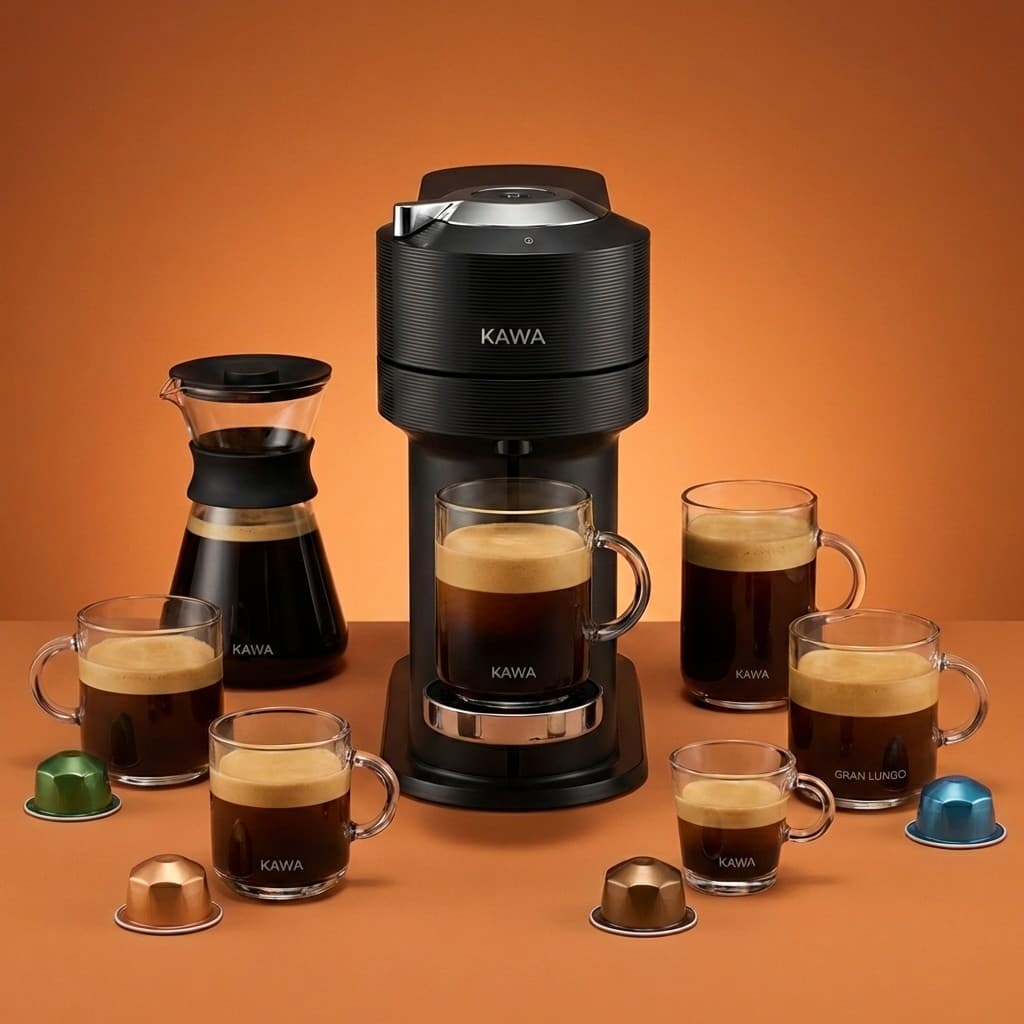
SuperListing's A+ Content Generator creates Amazon Enhanced Brand Content (EBC) through a 4-step AI workflow. The tool analyzes your brand website for visual identity, takes your product images, and combines them with your product benefits to generate a complete set of A+ Content assets.
Each generation produces 4 images: 3 wide banners (970x600px) for full-width A+ Content modules and 1 text-free lifestyle image (970x600px). The cost is 12 credits per generation. All images are designed to be brand-consistent based on your website analysis.
A+ Content replaces the standard product description on Amazon with visually rich media. Brand-registered sellers who use A+ Content can tell their brand story, highlight product differentiators, and provide customers with a more engaging shopping experience — which can lead to higher conversion rates and reduced returns.
A+ Content Anatomy
Generate brand-consistent Enhanced Brand Content with AI.
Full-width A+ Content modules designed to tell your brand story and showcase product features with impactful visual narratives.
Text-free product lifestyle shot sized for full-width A+ Content modules within your A+ Content layout.
Brand analysis → Product upload → Benefits input → AI generation. A structured workflow that produces brand-consistent results every time.
AI analyzes your brand website to extract visual identity — colors, typography, and style — ensuring generated content matches your brand.
Step by Step
From brand analysis to upload-ready banners in six steps.
Provide your brand's website URL so SuperListing's AI can analyze your brand's visual identity — colors, typography, imagery style, and overall aesthetic. This ensures the generated A+ Content matches your brand guidelines.
Upload your product photos that will be used as the basis for the A+ Content banners and lifestyle images. Use high-resolution images that clearly show your product's key features and design details.
Enter your product's key benefits, unique selling points, and brand values. This information guides the AI in creating compelling visual narratives that resonate with your target customers and differentiate your product.
SuperListing's AI generates 4 images: 3 wide banners (970x600px) for full-width A+ Content modules and 1 text-free lifestyle image (970x600px). All images are designed with brand-consistent styling.
Review all 6 generated images to ensure they align with your brand standards and effectively communicate your product's value. Download the images in the correct dimensions ready for Amazon upload.
Go to Seller Central → Advertising → A+ Content Manager. Create a new A+ Content page, select your layout modules, upload the corresponding banner and lifestyle images, add complementary text, and submit for review.
Brand Storytelling
Generate 3 wide banners + 1 text-free lifestyle image for your Enhanced Brand Content. 12 credits per generation.
Start Your Free TrialFAQ
Common questions about A+ Content and Enhanced Brand Content.
Amazon A+ Content, formerly known as Enhanced Brand Content (EBC), is a feature available to brand-registered sellers that allows you to enhance your product description with rich media — including images, comparison charts, and formatted text modules. A+ Content replaces the standard text description with visually engaging layouts that help tell your brand story and highlight product features. It appears below the bullet points on your product detail page.
A+ Content is available to sellers enrolled in Amazon Brand Registry, vendors, and sellers participating in managed selling programs. You need to have a registered trademark and be approved through Amazon's Brand Registry program. Once enrolled, you can create A+ Content for any ASIN within your brand catalog through Seller Central's A+ Content Manager.
While Amazon has stated that A+ Content text is not directly indexed for keyword search ranking, A+ Content can indirectly improve SEO through higher conversion rates. Better-converting listings signal to Amazon's algorithm that your product is relevant, which can improve organic ranking. Additionally, A+ Content images and alt text may be indexed by Google, helping with external search visibility.
Amazon A+ Content modules use specific image sizes depending on the module type. Common sizes include 970x600px for full-width banner modules, 300x300px for comparison and feature modules, 970x300px for header images, and 220x220px for smaller feature icons. SuperListing standard A+ generation produces 3 wide banners and 1 text-free lifestyle image at 970x600px.
After generating your A+ Content with SuperListing, download the banners and images, then go to Seller Central → Advertising → A+ Content Manager. Click "Start creating A+ Content," select your ASIN, choose your layout modules, and upload the corresponding images. Add any complementary text, preview your layout, and submit for Amazon's review. Approval typically takes 24-48 hours.
Each A+ Content generation costs 12 credits and produces 4 images: 3 wide banners (970x600px) for full-width A+ Content modules and 1 text-free lifestyle image (970x600px). The AI analyzes your brand website for visual consistency, then generates brand-aligned content using your product images and benefits description.
Get Started
Create professional Enhanced Brand Content for your Amazon listings with AI-powered generation.